
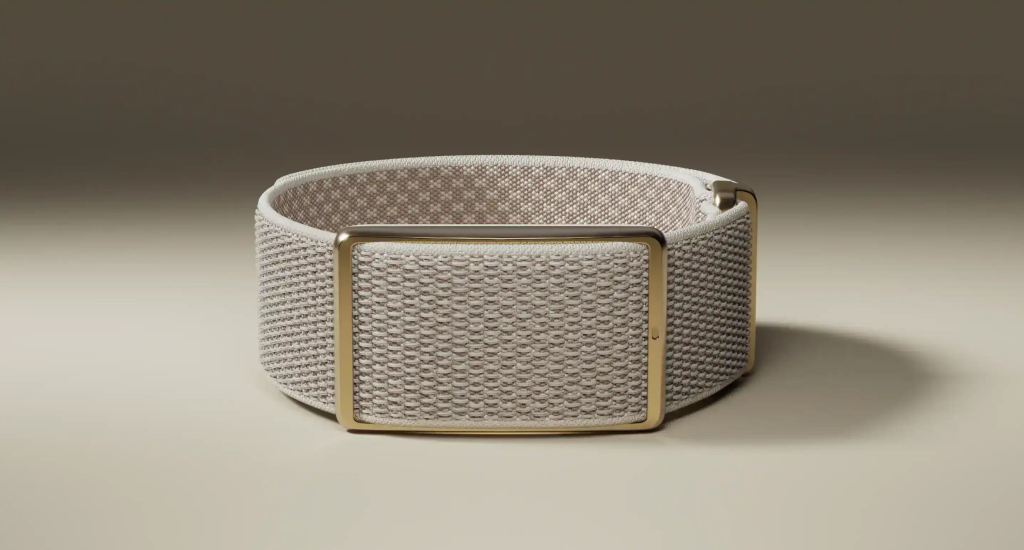
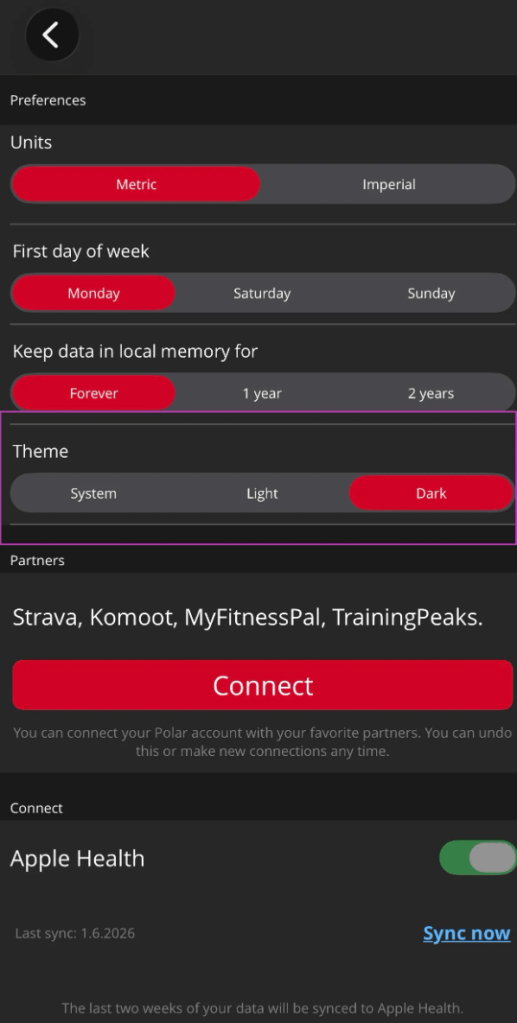
Polar recently rolled out version 7.36.0 of the Polar Flow app for iOS, bringing two features that users have been asking for for quite some time: Dark Mode and the ability to trim training sessions after the fact.
Both are genuinely welcome additions. Dark Mode makes the app feel a little more modern, and session trimming is one of those features you don’t think about until you accidentally record ten minutes of driving home after your run and wish you could pretend it never happened. It happens to the best of us.
These are good updates.The thing is, they are not the update.
Polar Flow remains, in my opinion, one of the best platforms in endurance sports when it comes to collecting and analyzing training data. Sleep, recovery, training load, cardio load, long-term trends, Polar has been doing many of these things for years. I have a Polar Loop and it is second to none in my sleep tracking and HRV tracking, but goodness, it displays all that in such a complicated manner. It could be so much easier and prettier..
The challenge with Polar has never really been the data. The challenge has been finding it!
Compared to platforms from competitors such as Garmin, COROS, or Suunto, Polar Flow can feels overwhelming to anyone not familiar with it. Just finding your heart rate in the Polar flow app (on your mobile) as an example, is not straightforward. Everything is in there somewhere, but it occasionally takes a bit of exploring to find it.
Version 7.36.0 feels more like a tidy-up than a redesign. Useful. Appreciated. Long overdue. But absolutely not the major modernization of the user experience that many Polar users have been hoping for and that Polar also hinted at in Q4 of 2025!
Dark Mode? Nice. Session trimming? Nice. A step in the right direction? Absolutely. The complete refresh of Polar Flow’s look and feel that many users are still waiting for? Not at all.
For now, the beast remains what it has always been: excellent at collecting data, occasionally stubborn at presenting it. I love you Polar, please update your UI!
More details right here




Leave a Reply